Call Us: +91-7042640351, 9891868324

Common Reasons Why Laptops Work Only When Plugged In
By Admin / 08 Nov 2025

Laptops have become an essential part of our daily lives, whether for work, education, or entertainment. However, a common issue that many laptop users face is when their laptops work only when plugged in. This problem is not only frustrating but can also disrupt your workflow significantly. If you are experiencing this issue with your laptop, understanding the root causes can help you resolve it effectively.
At Lenovo Laptop Service Center, we specialize in providing affordable services, doorstep services, out-of-warranty repair service, and multi-brand service for all laptop issues. In this blog, we’ll explore the most common reasons why laptops work only when plugged in and how our expert services can help you get your device back to normal.
1. Faulty Laptop Battery
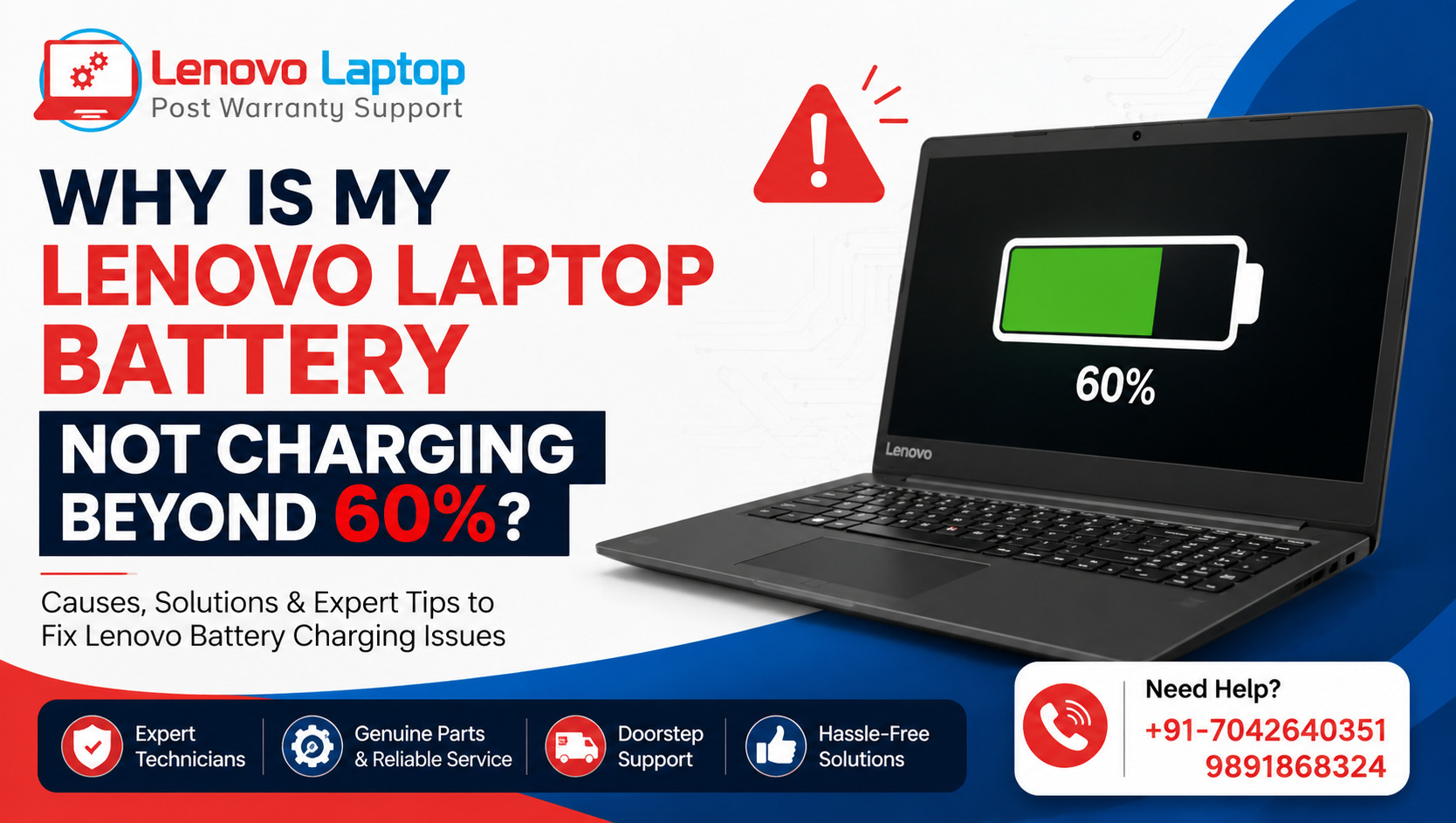
The most common reason a laptop works only when connected to a power source is a faulty or dead battery. Over time, batteries degrade and lose their ability to hold a charge. This is especially common in laptops that are used extensively or are several years old.
Signs of a faulty battery include:
- The laptop shuts down immediately when unplugged.
- Battery percentage does not increase even after charging.
- Overheating while charging.
If your laptop is experiencing these issues, it’s time to replace the battery. Our Lenovo Laptop Service Center offers out-of-warranty repair services, including battery replacement for laptops of all brands. We ensure high-quality batteries are installed at affordable prices.
2. Power Adapter Issues
Sometimes, the problem may not be the laptop or the battery itself, but the power adapter. A faulty or incompatible adapter can prevent the battery from charging properly, which results in the laptop working only when plugged in.
Common signs of power adapter issues:
- The charging light flickers or does not turn on.
- The laptop heats up near the charging port.
- Charging stops intermittently.
Using the correct voltage and wattage adapter is crucial. At our service center, we provide multi-brand service, ensuring that your laptop gets the exact adapter it requires for optimal performance.
3. Charging Port Problems
A damaged or loose charging port can also prevent your laptop from running on battery power. Dust, debris, or physical damage can disrupt the connection between the charger and the laptop.
Indicators of a charging port problem:
- The laptop charges only when the cable is positioned in a specific way.
- The port feels loose or wobbly.
- Laptop fails to charge entirely.
Our doorstep services make it convenient to get this issue fixed without visiting the service center. Our technicians are trained to handle delicate laptop components carefully and efficiently.
4. Outdated BIOS or Software Issues
In some cases, your laptop may work only when plugged in due to outdated BIOS or software issues. BIOS controls the way your hardware interacts with your operating system, and if it is outdated or corrupted, it can prevent proper battery management.
Signs of BIOS/software issues include:
- Battery percentage is stuck at a certain level.
- The laptop shuts down unexpectedly even with a fully charged battery.
- Power management settings do not respond.
Updating the BIOS or resetting power management settings can often resolve these problems. Our experts at Lenovo Laptop Service Center provide reliable software troubleshooting as part of our affordable services, ensuring your laptop functions properly again.
5. Overheating Problems
Overheating can also affect your laptop’s ability to run on battery power. When a laptop gets too hot, it may automatically shut down or prevent charging to protect internal components.
Causes of overheating include:
- Dust buildup in vents and fans.
- Old thermal paste on CPU/GPU.
- Running heavy software for prolonged periods.
We offer comprehensive cleaning and thermal maintenance services to prevent overheating. With our doorstep services, your laptop can be serviced without you having to leave home.
6. Battery Calibration Issues
Sometimes, the laptop battery might still be functional but misreporting its charge level. This is called a calibration issue. The laptop may think the battery is empty, even when it has some charge left, leading it to work only when plugged in.
Solution: Battery calibration involves charging the laptop to 100%, discharging it completely, and then charging it again. While this can sometimes be done manually, our technicians at Lenovo Laptop Service Center ensure accurate calibration for maximum battery efficiency.
How Lenovo Laptop Service Center Can Help
At Lenovo Laptop Service Center, we understand how important your laptop is to your daily life. That’s why we provide a wide range of services to fix issues like laptops working only when plugged in:
- Affordable Services: High-quality repairs without breaking your budget.
- Doorstep Services: We come to you, saving time and effort.
- Out-of-Warranty Repair Service: Professional repairs even if your laptop warranty has expired.
- Multi-Brand Service: Support for laptops of all brands, not just Lenovo.
Our team of certified technicians diagnoses and resolves laptop problems efficiently. From battery replacement and adapter repair to charging port fixing and BIOS updates, we ensure your device runs like new.
Tips to Prevent Laptops From Working Only When Plugged In
Preventive care can significantly reduce the chances of your laptop facing power issues. Here are some tips:
- Regular Battery Checks: Monitor battery health and replace it when necessary.
- Use Genuine Chargers: Always use the manufacturer-recommended adapter.
- Keep Vents Clean: Prevent dust accumulation to avoid overheating.
- Update BIOS and Software: Regular updates keep power management running smoothly.
- Avoid Overcharging: Disconnect the charger when the battery is fully charged.
Following these practices can extend your laptop’s lifespan and reduce the need for frequent repairs.
Contact Us
If your laptop works only when plugged in and you’re unsure of the cause, don’t worry! Lenovo Laptop Service Center is here to help. Our experienced technicians will provide the right solution for your device, ensuring it functions efficiently both on battery and when plugged in.
Call us today:
+91-7042640351, +91-9891868324
We offer convenient doorstep services, affordable repairs, and out-of-warranty solutions for laptops of all brands. Trust us to restore your laptop’s performance and keep it running smoothly.
Conclusion
A laptop that works only when plugged in can be caused by a variety of issues, from a faulty battery to charging port problems, software glitches, or overheating. Identifying the root cause is crucial to restoring your laptop’s normal function.
At Lenovo Laptop Service Center, we provide affordable, professional, and reliable repair services to get your laptop back in shape. Whether it’s battery replacement, adapter repair, BIOS update, or multi-brand service, our experts handle it all.
Don’t let a faulty laptop disrupt your work or entertainment. Contact Lenovo Laptop Service Center today at +91-7042640351 or +91-9891868324 and enjoy hassle-free laptop repair and support.
Find us on Google - BSS Laptop Repair Center
 Share
Share
 Tweet
Tweet
 Share
Share
 Share
Share
Recent Post
-
-

Why Does Lenovo Laptop Wake Up Automatically?
08 Oct 2026
-
-
How to Fix Lenovo Laptop That Keeps Restarting
19 Sep 2026
-

How to Recover Data from a Dead Lenovo Laptop
11 Sep 2026
-

-
-

-

-

-

-

-

-

-

-

-

-

-

-

-

-

-

-

-

-

-

-

-

-

-

-

-

-

-

-
-

-

-

How to Save Money on Lenovo Laptop Repairs
13 Oct 2025
-

-

10 Common Issues Faced by Lenovo Laptop Users
04 Oct 2025
-

-

-

-

-

-

-

-

-

-

Lenovo Laptop Boot Loop Issue – How to Repair
12 Aug 2025
-

Lenovo Laptop Sound Not Working – Easy Fixes
07 Aug 2025
-

-

-

-

-

-

-

How to Factory Reset a Lenovo Laptop?
30 Jun 2025
-

-

-

-

-

-

-

-

Cannot Load Driver ENE.SYS? Try These 6 Fixes!
12 Dec 2024
-

-

-

-

-

-

-

-

-

-

-

-

-

-

-

How to Solve Lenovo Laptop Hanging Problem
26 Oct 2024
-

-

-

How to Restart Lenovo Laptop with Black Screen
22 Oct 2024
-

-

-

-

-

-

-

-

Lenovo Laptop Power Button on but no Display
02 Sep 2024
-

How to Fix Wi-Fi Not Showing on Windows 10/11
30 Aug 2024
-

Lenovo Laptop Touchpad Replacement Cost in India
28 Aug 2024
-

-

-

How to Unlock a Locked Lenovo Laptop Keyboard
12 Aug 2024
-

-

How to Boot Into Safe Mode On a Lenovo Laptop
31 Jul 2024
-

-

-

-

-

How to Check Lenovo Laptop Fan is Working or Not
09 Jul 2024
-

How to Fix Bluetooth Problem in Lenovo Laptop
05 Jul 2024
-

-

How to Install OS (Operating System) on Laptop
27 Jun 2024
-

How to Fix It When Windows 11 Won't Shut Down
21 Jun 2024
-

-

-

-

Lenovo E-41 25 Panel Replacement Cost in India
31 May 2024
-

How to Fix Stuck Keys on Lenovo Laptop Keyboard
30 May 2024
-

-

-

-

-

-

-

Lenovo Laptop Black Screen Issue on Windows 11
17 Apr 2024
-

-

How to Download Lenovo Vantage for Windows 11
15 Apr 2024
-

How to Get Lenovo Accidental Damage Protection
11 Apr 2024
-

-

-

-

Lenovo System Update Download For Windows 11
06 Apr 2024
-

-

-

-

Lenovo Laptop Security Issues in windows 11
04 Apr 2024
-

-

How to Check Battery Health in Lenovo Laptop
30 Mar 2024
-

-

-

-

-

-

-

-

How to Run Hardware Diagnostics on Lenovo Laptop
20 Dec 2023
-

How to find model number of lenovo laptop
18 Dec 2023
-

-

-

-

How to Update Drivers in Lenovo Laptops
02 Dec 2023
-

Why is my lenovo laptop making a buzzing noise
28 Nov 2023
-

-

-

-

-

Best Guide: Resolve Lenovo Laptop Touchpad Issue
11 Oct 2023
-

How to Troubleshoot Lenovo Laptop Battery Issues
16 Aug 2023
-

Lenovo Laptop Hinges Repair or Replacement Cost
09 Aug 2023
-

How to Find Lenovo Laptop Serial Number
08 Aug 2023
-

-

Lenovo Laptop SSD Upgradation Cost
18 Jul 2023
-

Lenovo Laptop Camera Replacement Cost
18 Jul 2023
-

-

Lenovo Laptop Battery Replacement Cost
13 Jul 2023
-

Lenovo Laptop Screen Replacement Cost
12 Jul 2023
-

Lenovo Laptop Keyboard Replacement Cost
12 Jul 2023
-

-

How to Fix Camera Issue in Lenovo Laptop
07 Jul 2023
-

How to Format Lenovo Laptop with USB
06 Jul 2023
-

How to Increase Battery Life on a Lenovo Laptop
21 Jun 2023
-

How to Fix White Screen on Lenovo Laptop
20 Jun 2023
-

Lenovo Laptop Motherboard Replacement Cost
19 Jun 2023
-

How do I stop my Lenovo laptop from overheating?
16 Jun 2023
-

-

-

-

-

-

-

-

-

-

-

-

-

-

-

-

-

What is Cost of Lenovo Laptop in India?
22 Sep 2022
-

Lenovo Laptop Problems Black Screen
21 Sep 2022
Looking For A Fast & Reliable Laptop Repair Service
We have professional technicians, fast turnaround times and affordable rates. Book Your Repair Job Today!
We specialize in all types of laptop services and provide reliable and quality door step service to our clients